1. Logging in
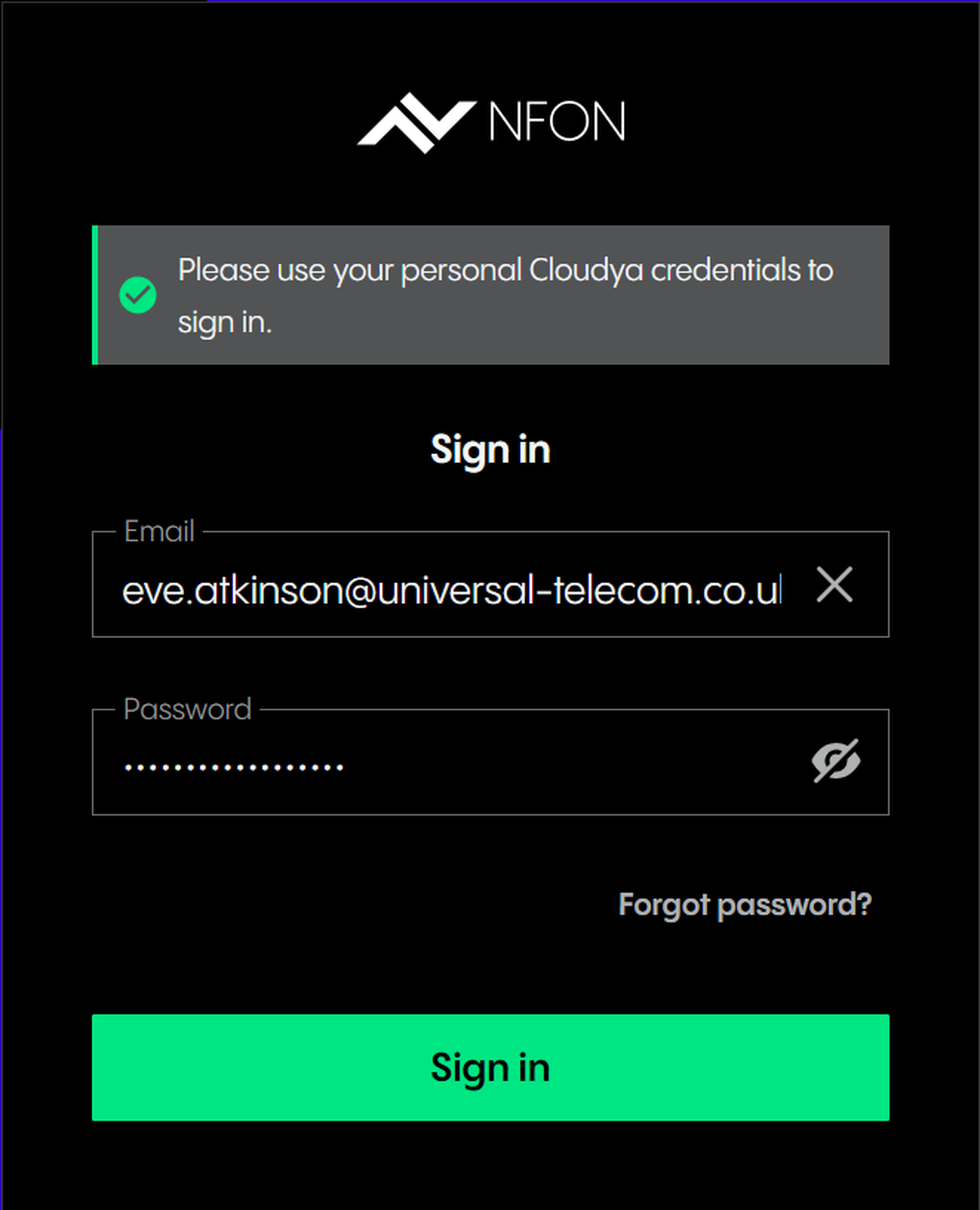
To use the Administration Portal, you have to log in with your Cloudya username and password. These are the same credentials you would use at https://start.cloudya.com.
Go to .
Enter your username (your email) and password (which have been provided to you by NFON).
Click Sign in.
⇒ Once logged in, you will see the Tenant configuration page.