C. Overview over extensions/devices
You are on the page of the currently selected subject Overview over extensions/devices.
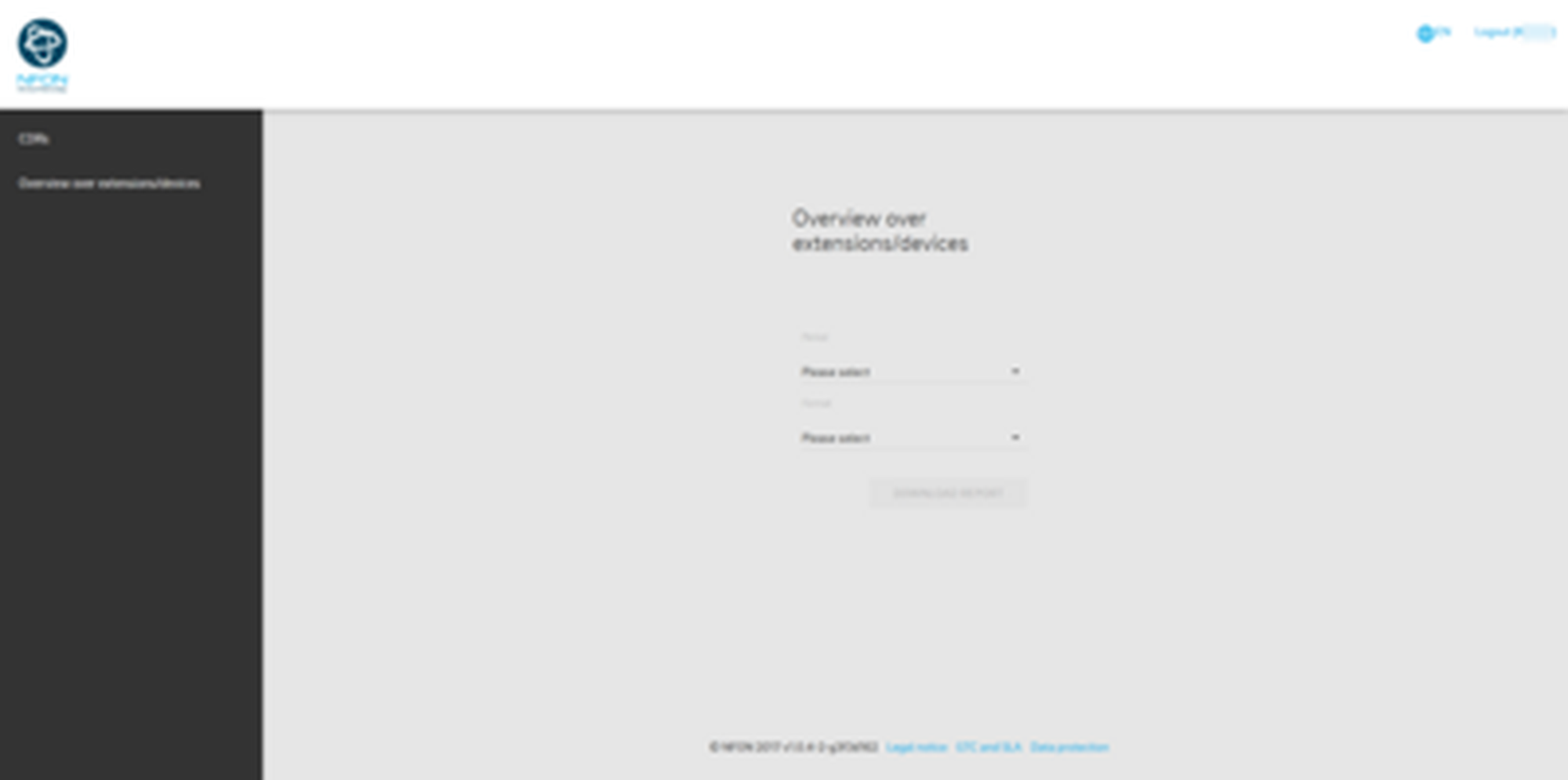
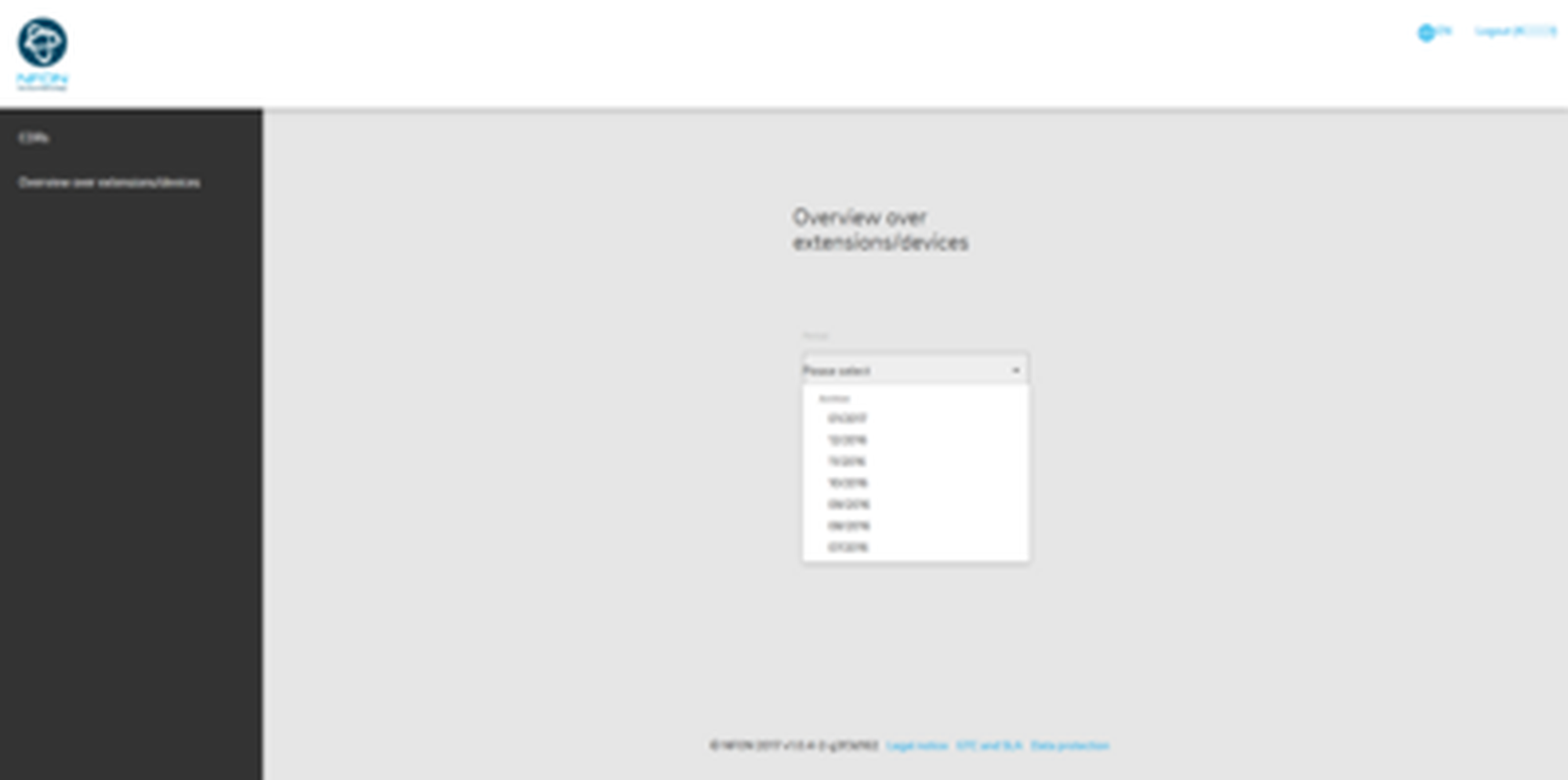
In order to create a report, define the time period which you want the report to be created for. You select one or several months from the archive.
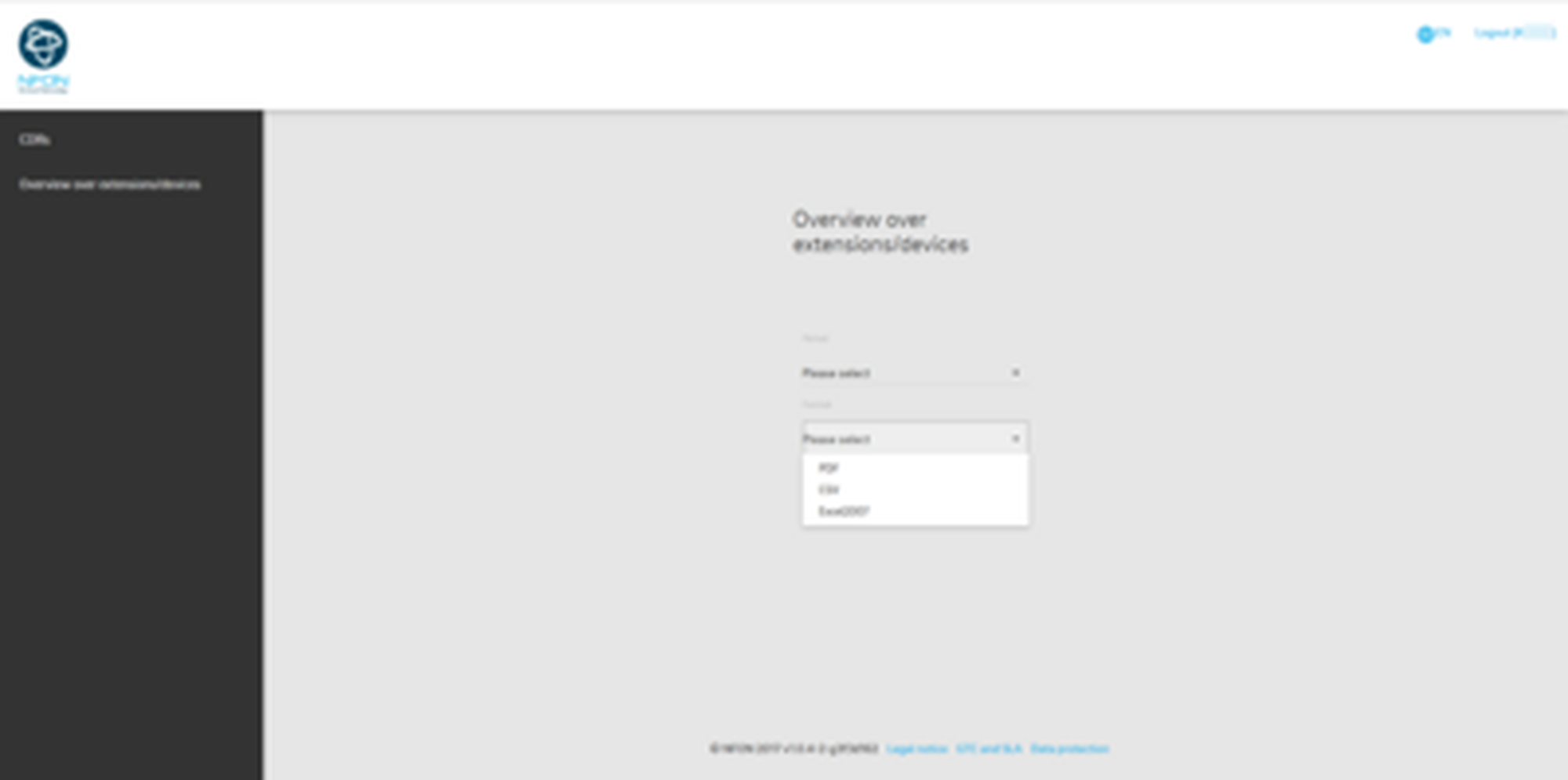
Select a format for the report. You can choose between PDF, CSV, Excel2007.
Subsequently, click on the Produce report button.
The report has been created. You can now open the file or save it.
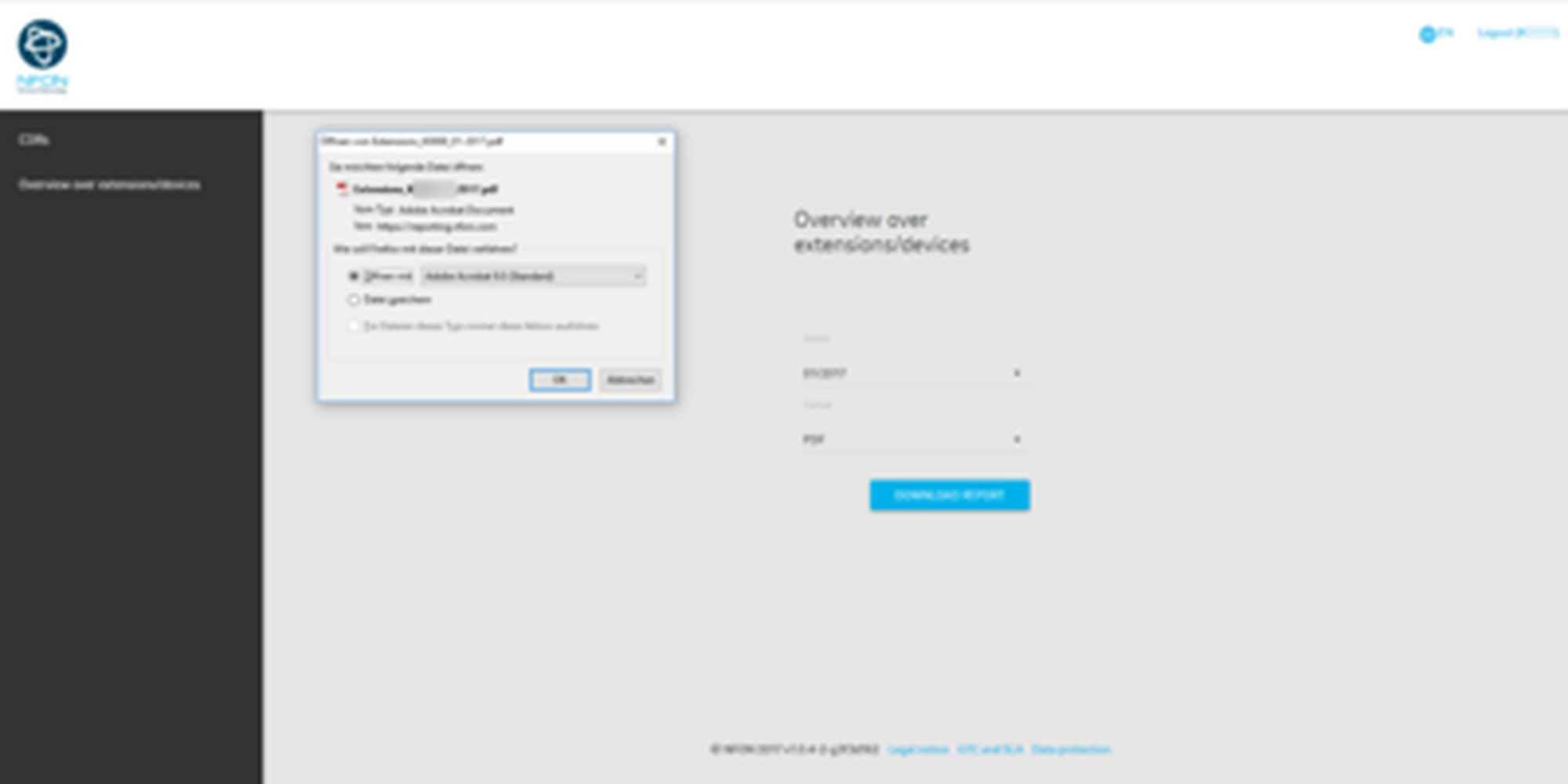
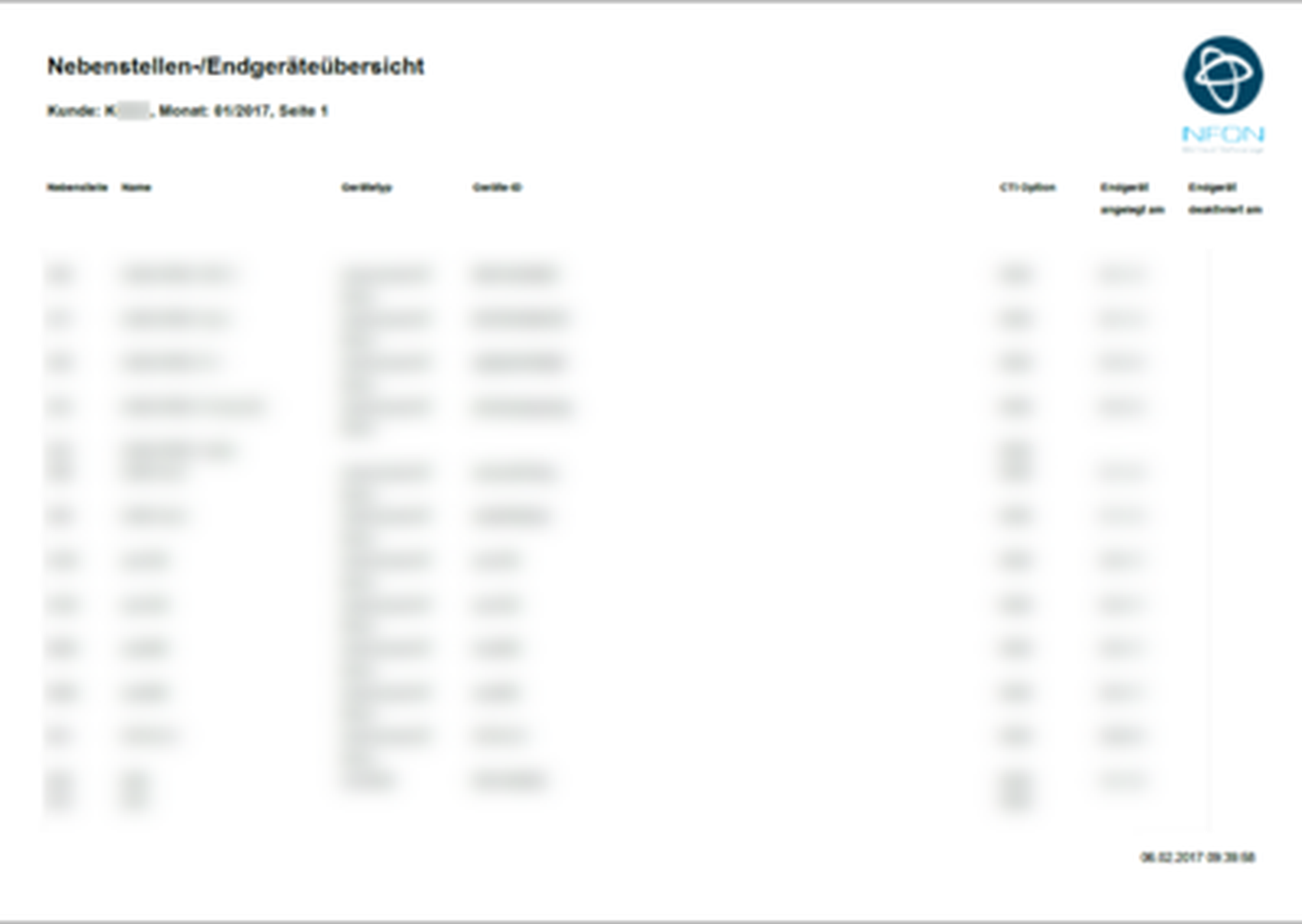
This is the report in PDF format.
Note
Please note that the report will be created in the customer language and not in the currently selected portal language. If your customer language is set to German but you use the portal in English and create a report, the report will be created in German.