C. Compatibility and version
Compatibility
Use your NCTI standard / CRM client for the following operating systems (32-bit as well as 64-bit):
 Windows 10
Windows 11
The client is compatible with the following certified device manufacturers:
Panasonic (except DECT phones)
snom*
Mitel (before AASTRA)
Yealink
*snom D862 and D865 are excluded.
Tip
Find a detailed overview of the compatibility under NCTI clients for Windows.
Version
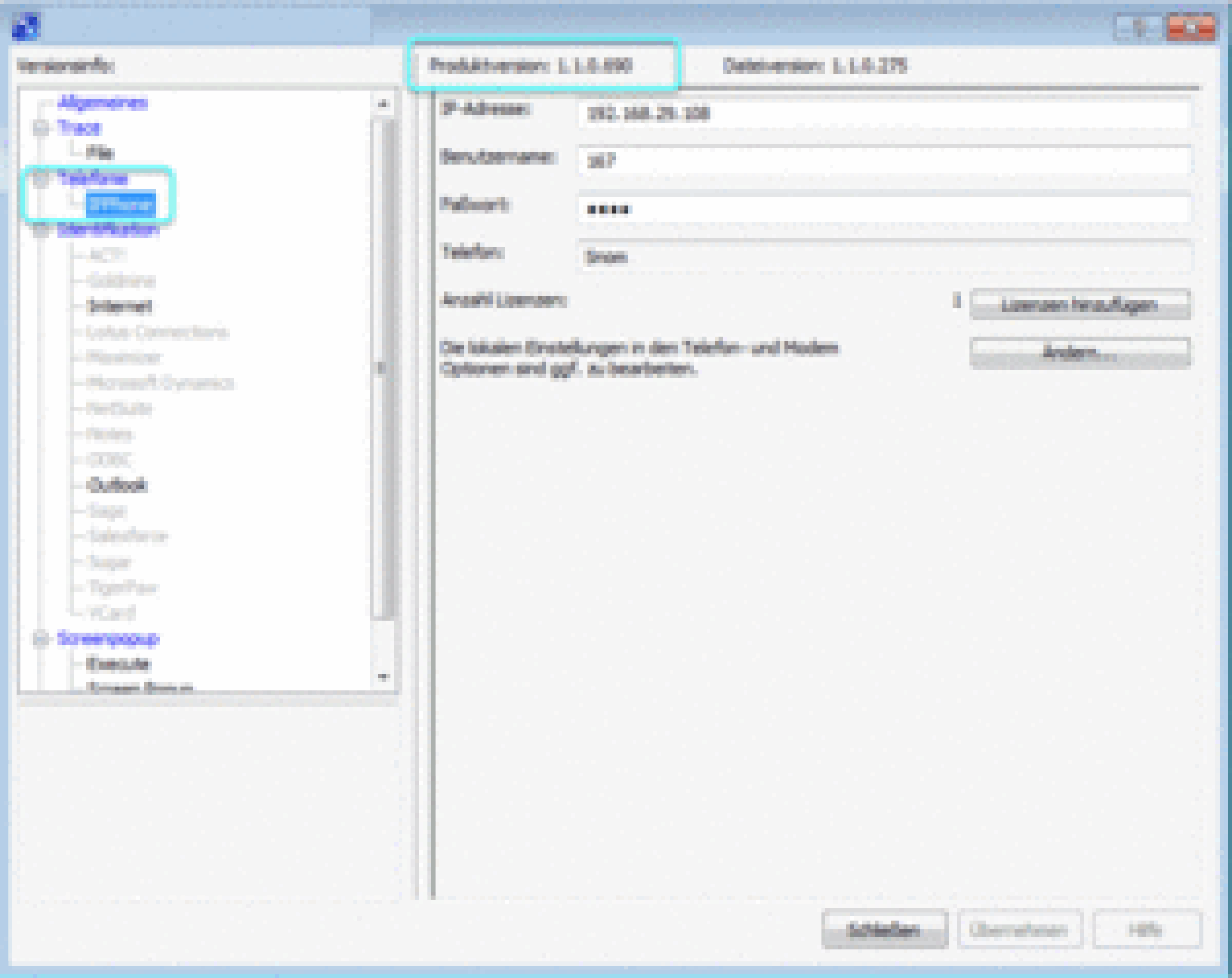
Please find the latest client version by activating the administration user interface.
Note
The 32- and 64-bit compatibility is regarding your Microsoft Office application only.
NCTI standard / CRM 32bit: Typically your client is compatible with a 32-bit Office package and a 32-bit operating system. To install your client at a 64-bit operating system and a 32-bit Office package, you need a 32-bit installer.
NCTI standard / CRM 64bit: Typically your client is compatible with a 64-bit Office package and a 64-bit operating system. Your client is not compatible with a 32-bit operating system and 64-bit Office Package. The 64-bit installer does not work for a 32-bit operating system.