1. Accessing the app
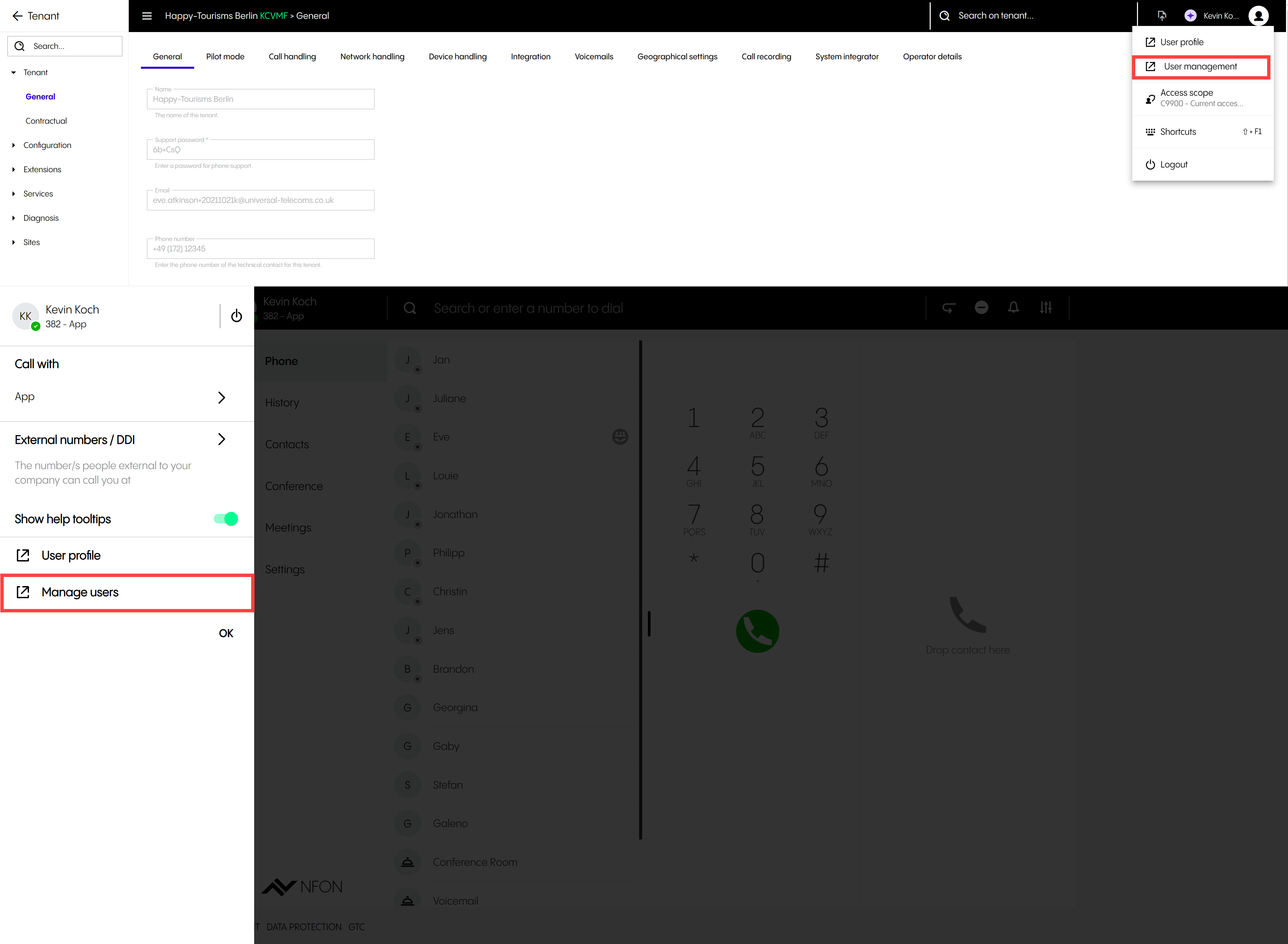
Accessing the user management application from the Web/Desktop App/Admin Portal
To access the user management application from the Web/Desktop App/Admin Portal:
Click on your username or avatar.
Click on Manage users (Web/Desktop app)/User management (Admin Portal).
⇒ A new tab will open. You will be required to reenter your password.
Reenter your password.
⇒ The user management application will open.