4. Salesforce
Salesforce is compatible with the client. All contacts managed in Salesforce can be displayed at incoming calls.
Note
Salesforce Plugin of NCTI standard works with the following Salesforce editions only:
Enterprise
Unlimited
Developer
- Double-click on the NCTI symbol  on the menu bar to access the administration surface of the NCTI standard CRM client.
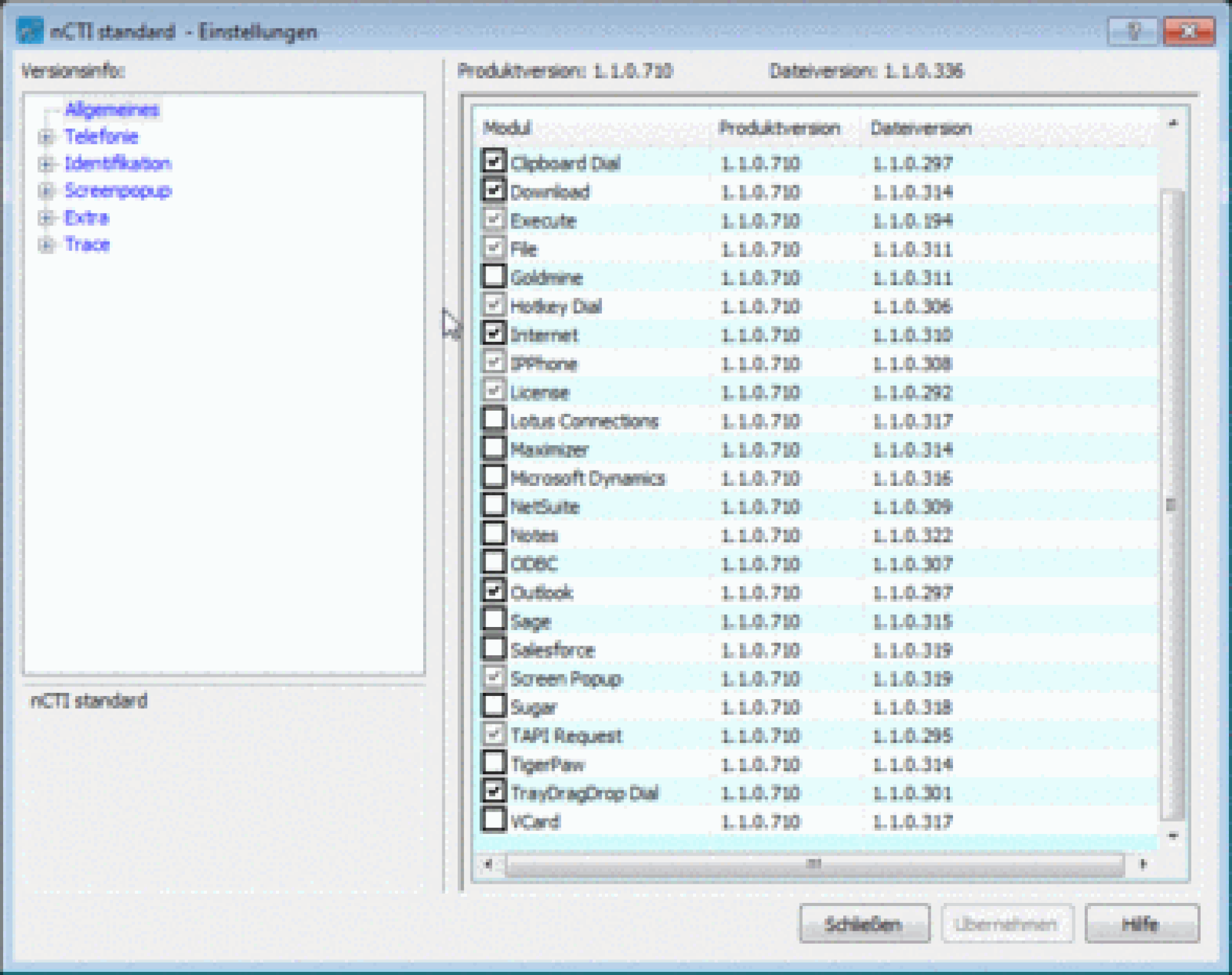
The following instruction explains the integration of Salesforce into the NCTI standard CRM client.
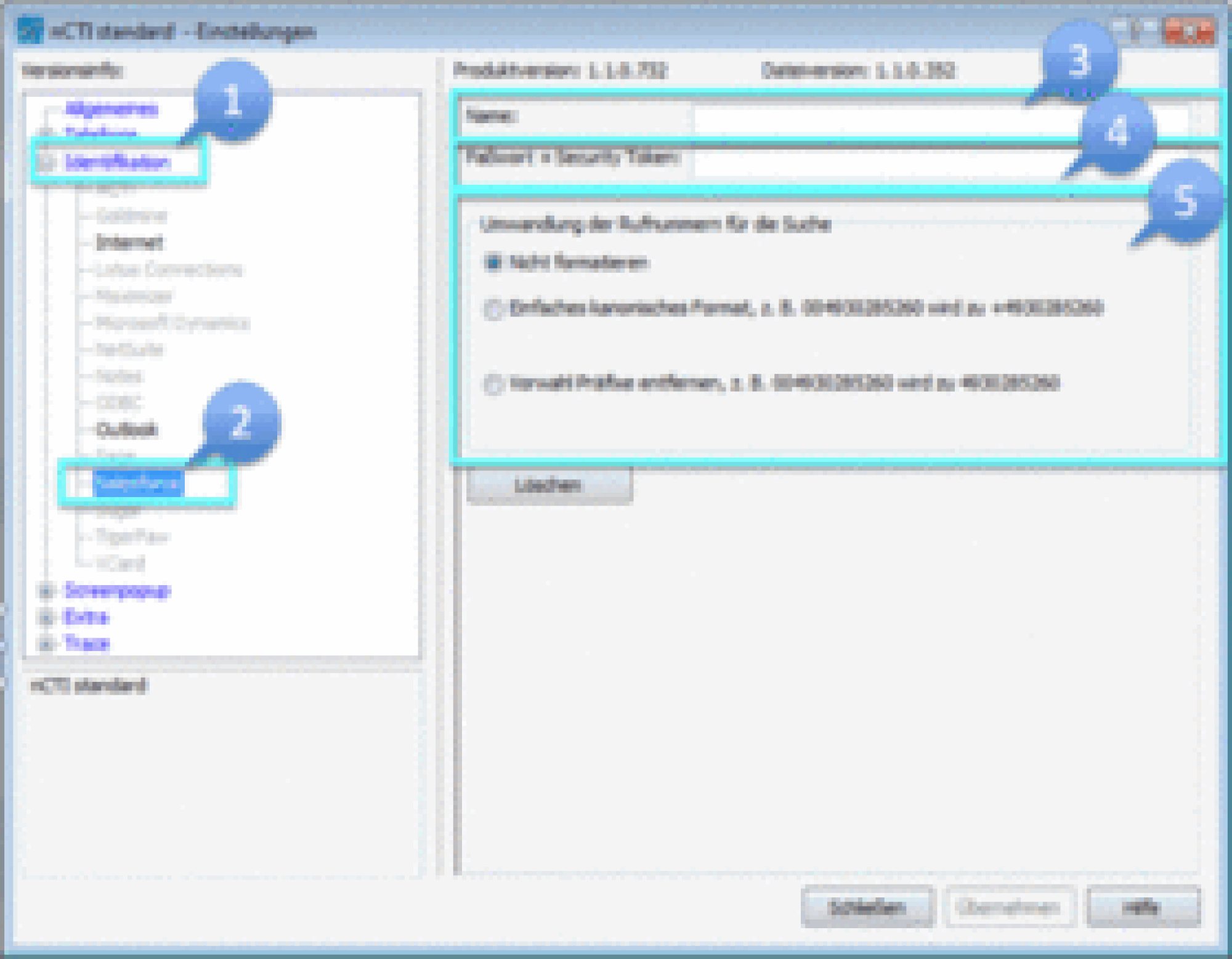
-Click on Identification.
-Choose Salesforce.
-Enter your Salesforce login.
-Enter your Salesforce password and security token without spaces.
-Choose whether the telephone numbers from Salesforce should be displayed unformatted, in canonic format or without prefixes.
Note
In order to receive a security token, contact your system administrator. Incorrect use or reset of the security token can disable all external program interfaces.
Restart the client to synchronise the client with Salesforce.