E. Officemaster Suit (Ferrari) - SIP Header configuration
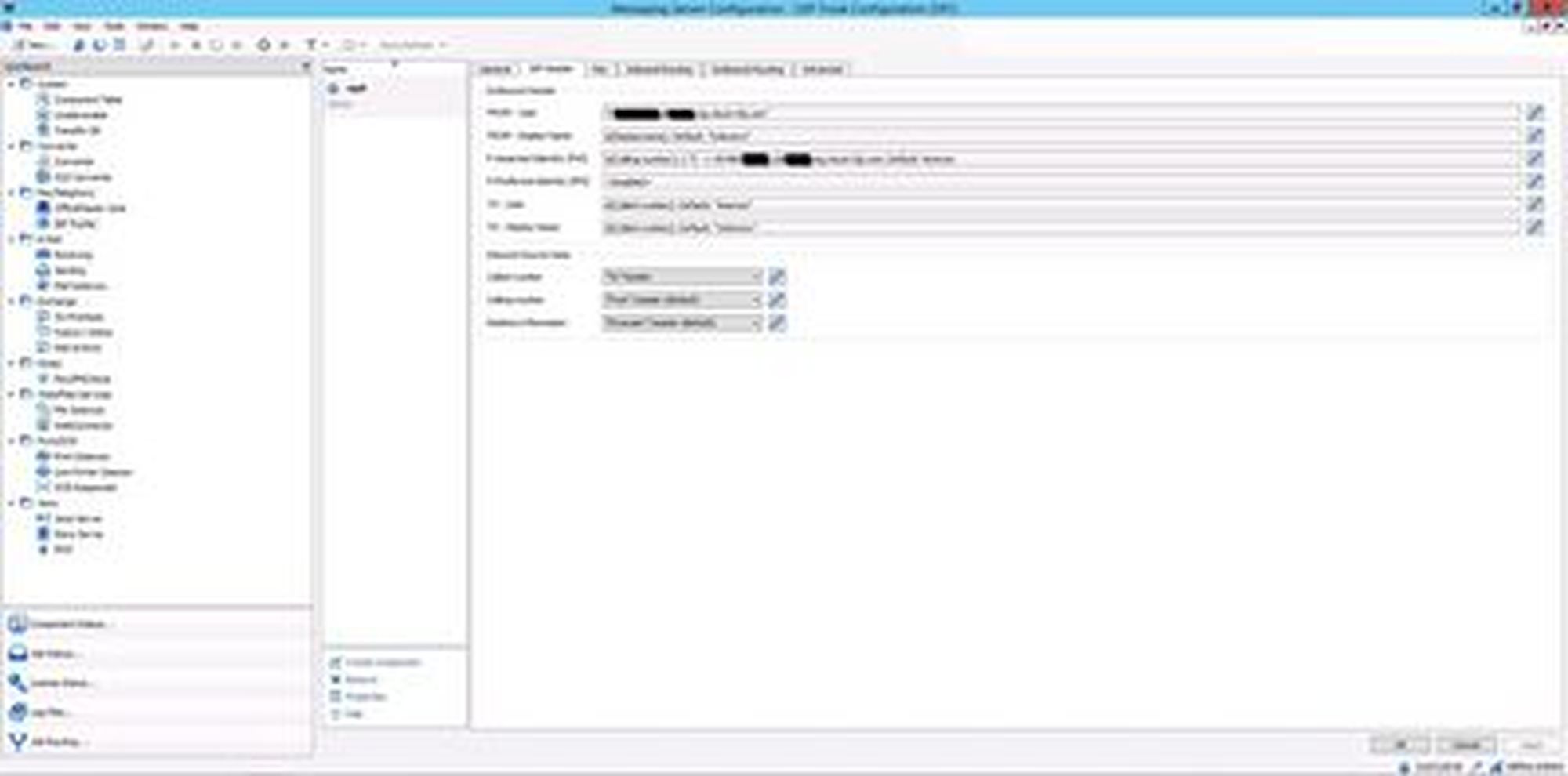
- Once you are in the Messaging Server Configuration, click on Fax/Telephony and select SIP Trunk.
- Select the SIP Trunk that you have created.
- In the SIP Header tab, adjust the FROM-User information as well as the P-Asserted-Identity (PAI).
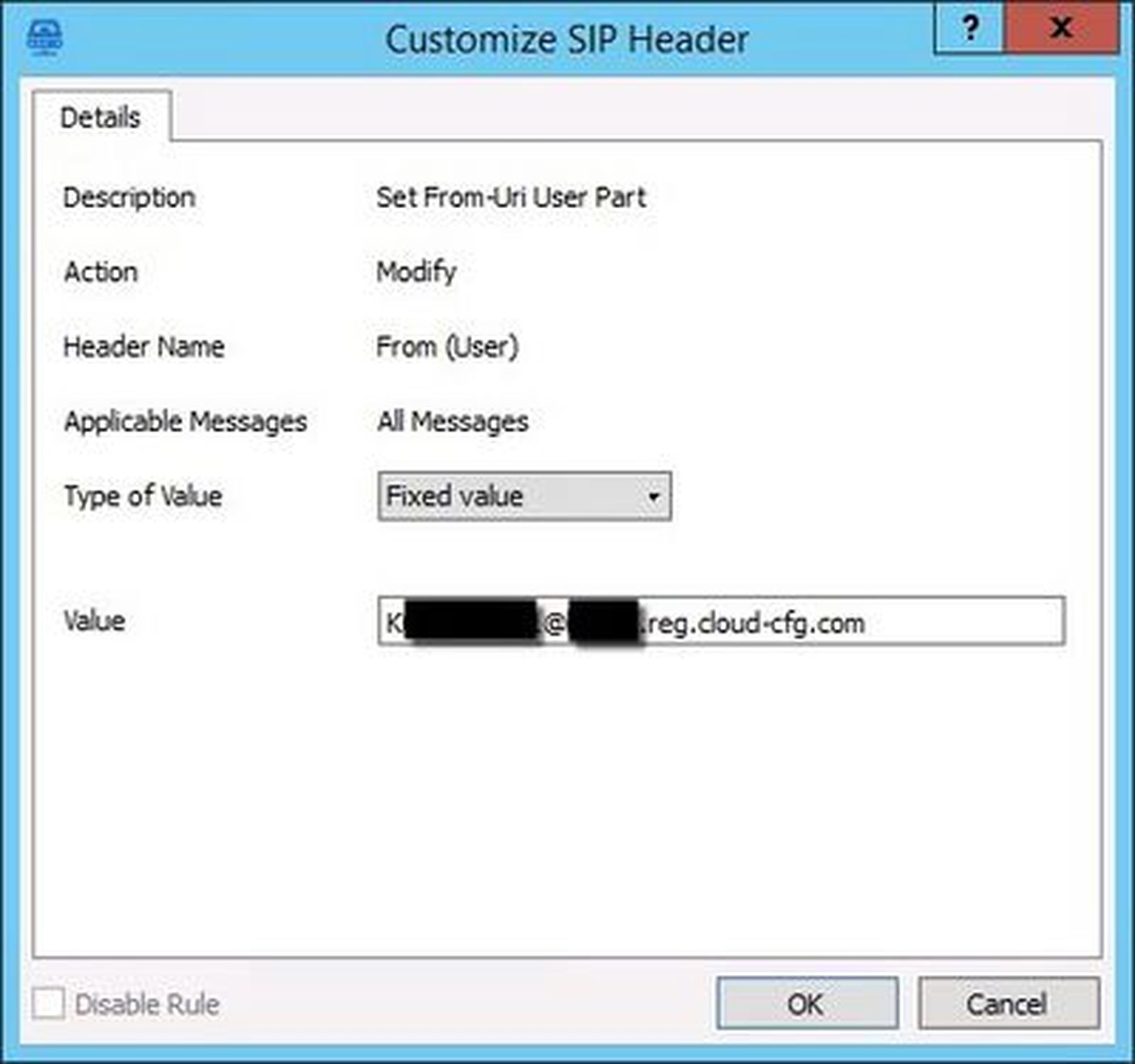
Customize the FROM-User
- Click on the pencil symbol and edit the entry.
- Enter the following as value: SIPUser@Kundennummer.reg.cloud-cfg.com
e.g.: K123456789@Kxxxx.reg.cloud-cfg.com
- Complete by clicking on OK.
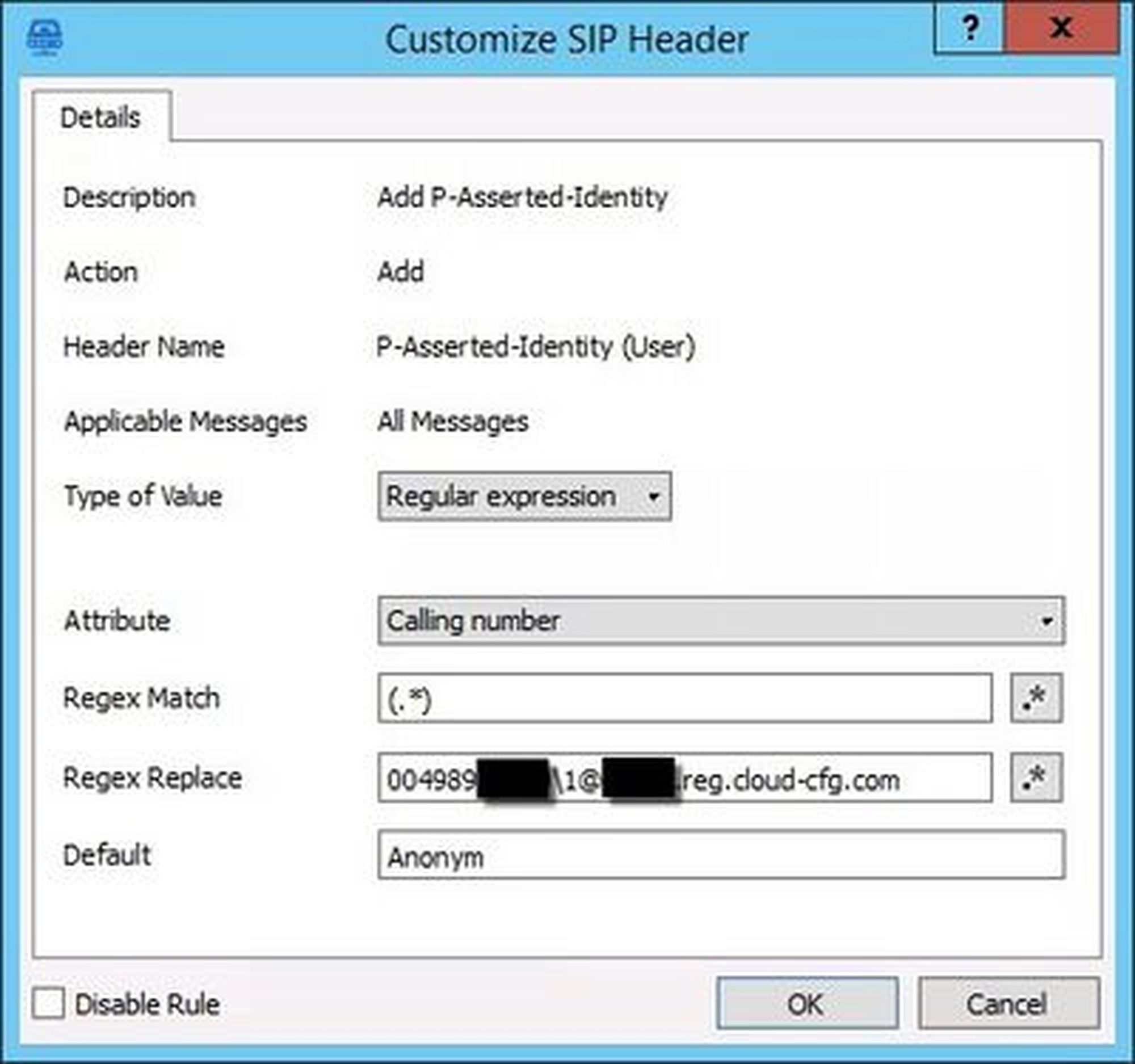
Customize the P-Asserted-Identity (PAI)
- Edit the P-Asserted-Identity header.
Regex Match: (.*)
Regex Replace: trunk\1@customernumber.reg.cloud-cfg.com
e.g.: 089123456\1@Kxxxx.reg.cloud-cfg.com
The trunk is the number without the extension number. The extension number will be identified by the prefix \1.
Example telephone number: | 0049 89 45300 555 |
Country code | 0049 |
City code | 89 |
Trunk | 45300 |
Extension | 555 |
In this case, the customer needs to enter 00498945300\1 | |
Default: Anonym |