1. Outlook
Dial from Outlook
-Ensure that the NCTI standard CRM client is active and start Outlook as usual.
-Open the address book with a right-klick on the contacts symbol.
-Right-click on the name, e.g. Jane Doe, and click on "Call".
-Click on the number assigned to the contact.
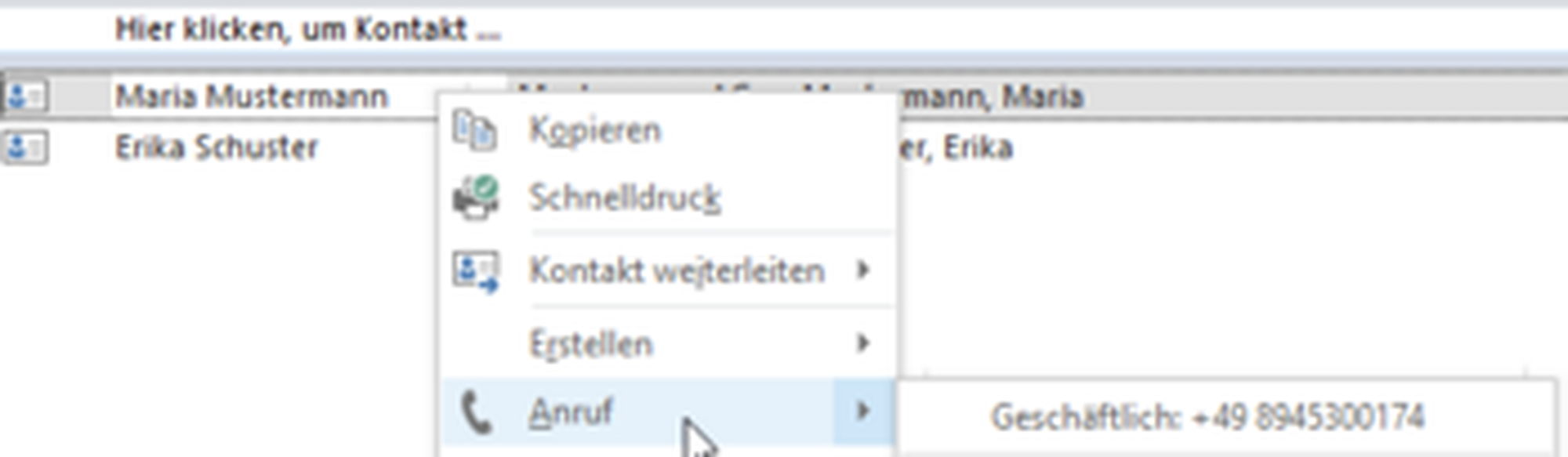
⇒A new window pops-up with a name and telephone number.
At first use, you have to enable calls via NCTI standard CRM client.
- Click on Dial options.
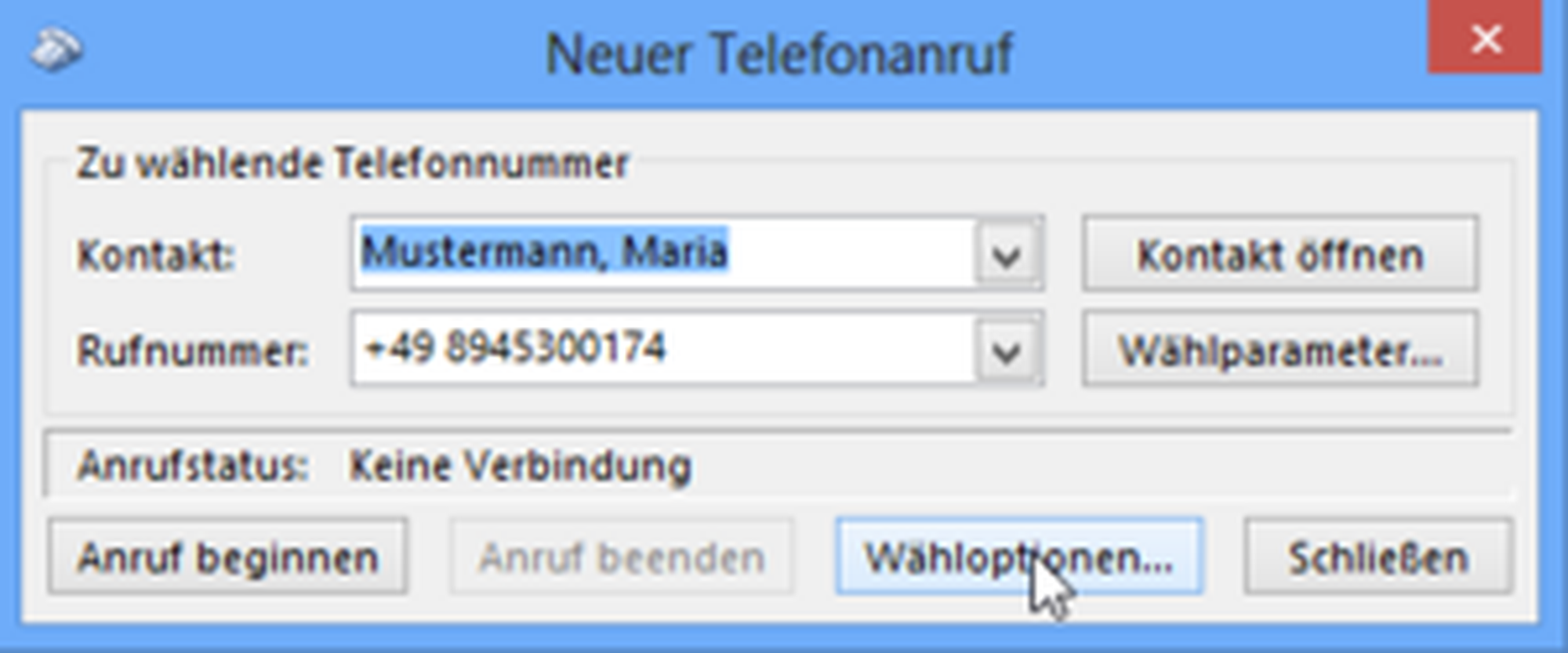
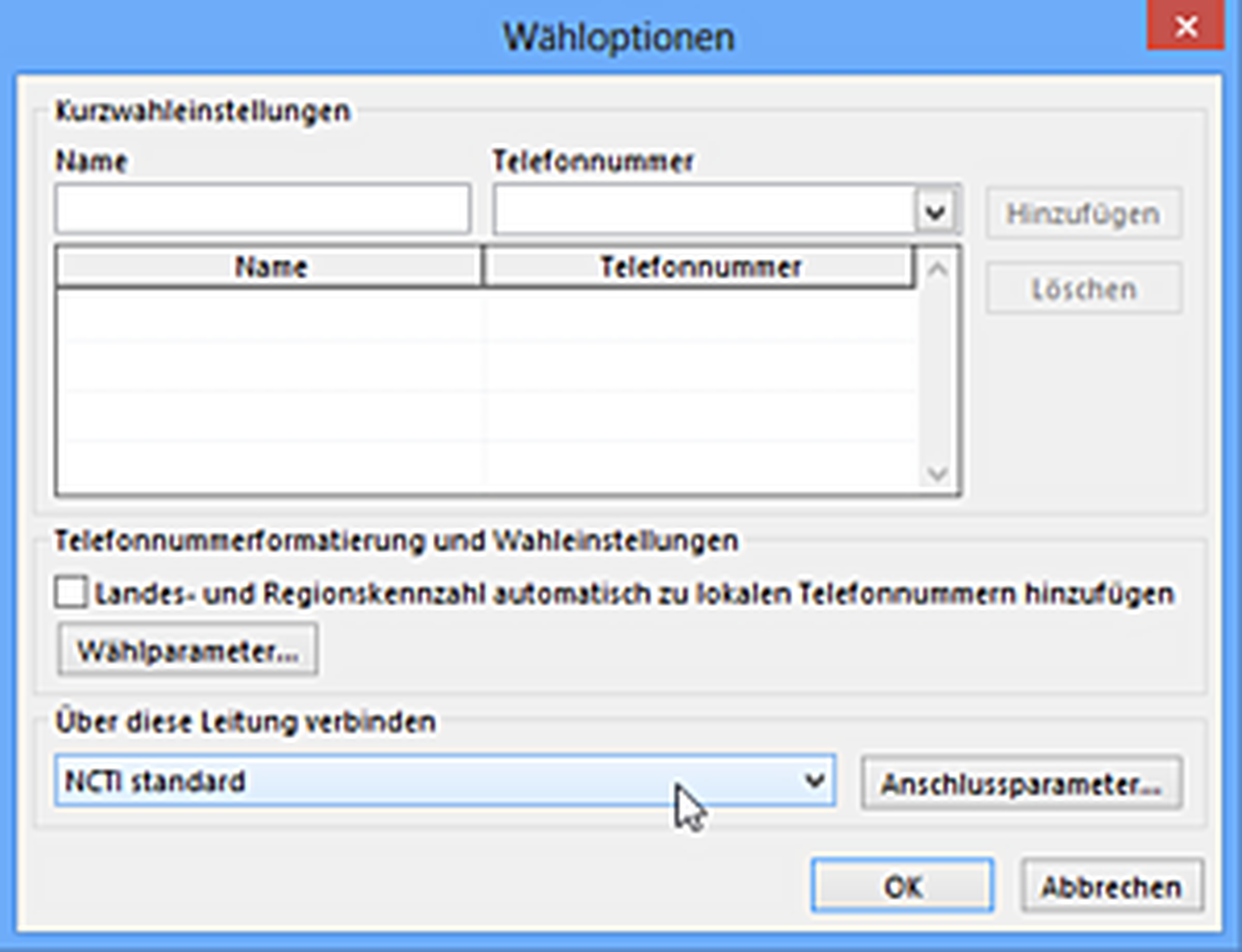
-A click on the arrow shows a list with all available TAPI lines.
-Click on the arrow down button until NCTI standard is available.
-Click on OK to validate and save your choice.
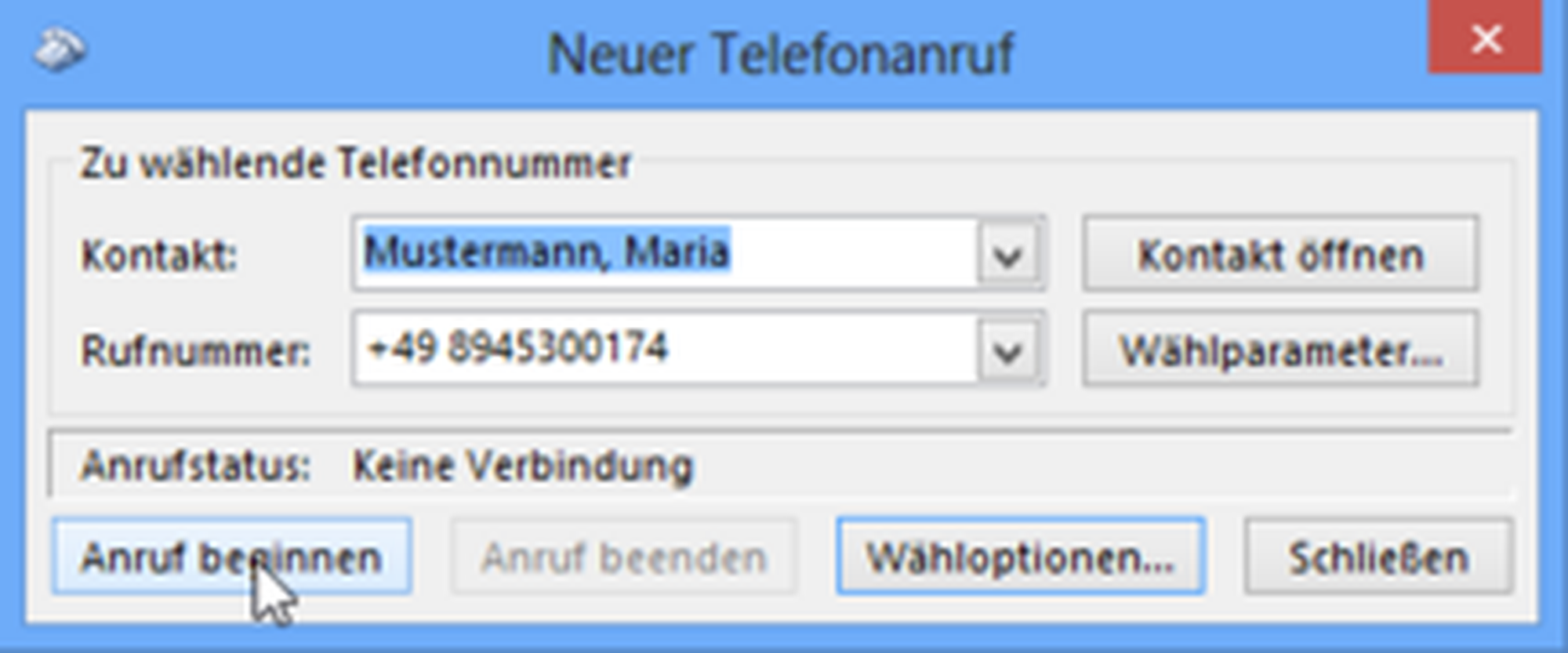
-Click on the arrow and on the contact's number.
-Click on Start Call and lift the handset.
⇒After a moment the contact's phone rings.
- After finishing the conversation, hang up or press the X-key on your telephone.
Note
Number resolution for incoming calls is available via the NCTI standard CRM Outlook plugin. There is no need to add a TAPI line.