4. Search
Search
In the Search tab, you can search for dial targets from the PBX and your phone contacts. Your available search targets are divided into four different tabs.
In this view, you can:
Search for contacts, conferences and groups from the PBX. Please note that only the PBX contacts, conferences and groups are searched by default.
Search for contacts on this phone (only if you have given the Cloudya app the permission to access local contacts. When using this search option for the first time, you will be asked to grant contact access)
Start a voice call by tapping on the contact
See detailed information about the contact by pressing the info icon next to the contact's name
To search for a contact:
Start typing a name in the search field.
⇒ All corresponding search results are displayed as you are typing.
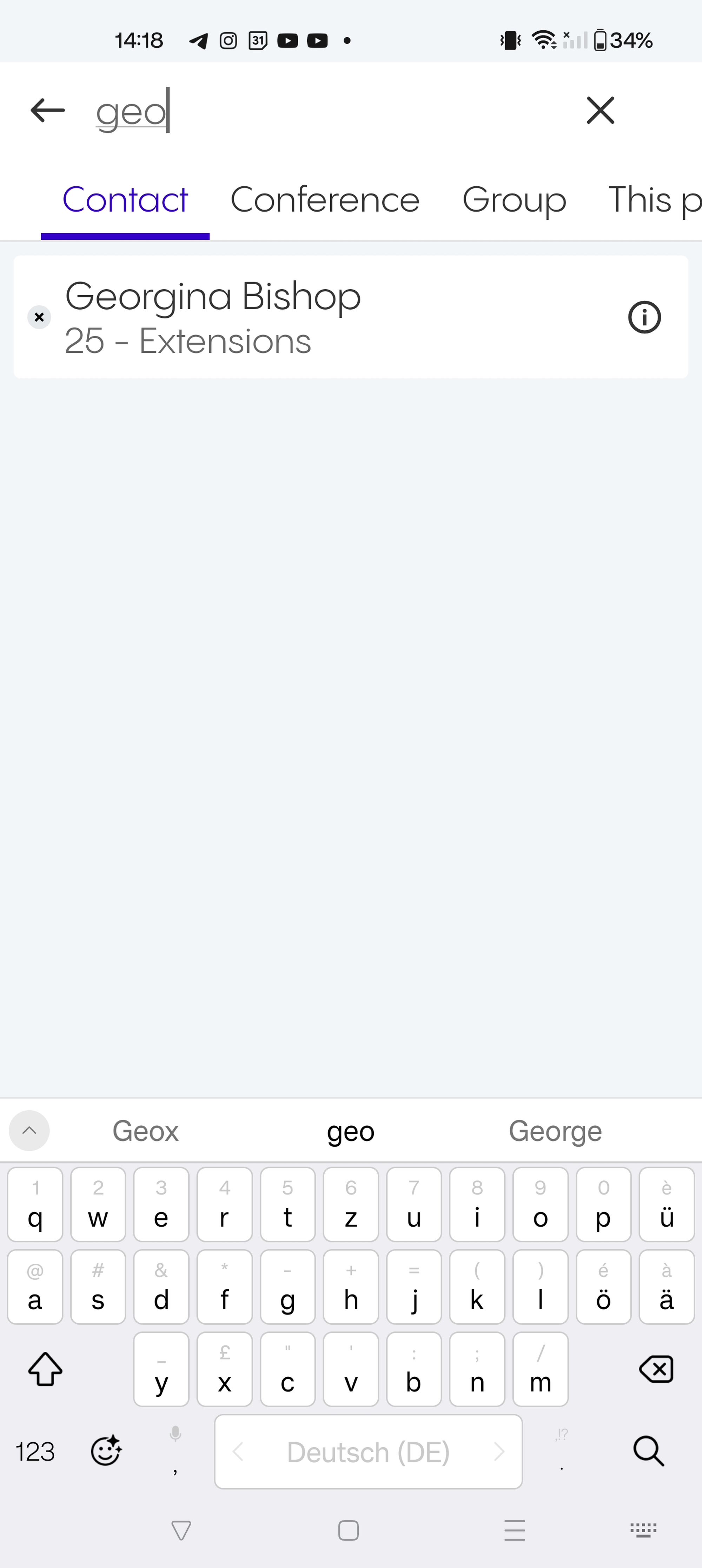
Search options
The search targets are divided into four groups:
Contact: Contacts saved in your PBX
Conference: Available conferences
Group: Call groups in your PBX
This phone: Local contacts on your phone
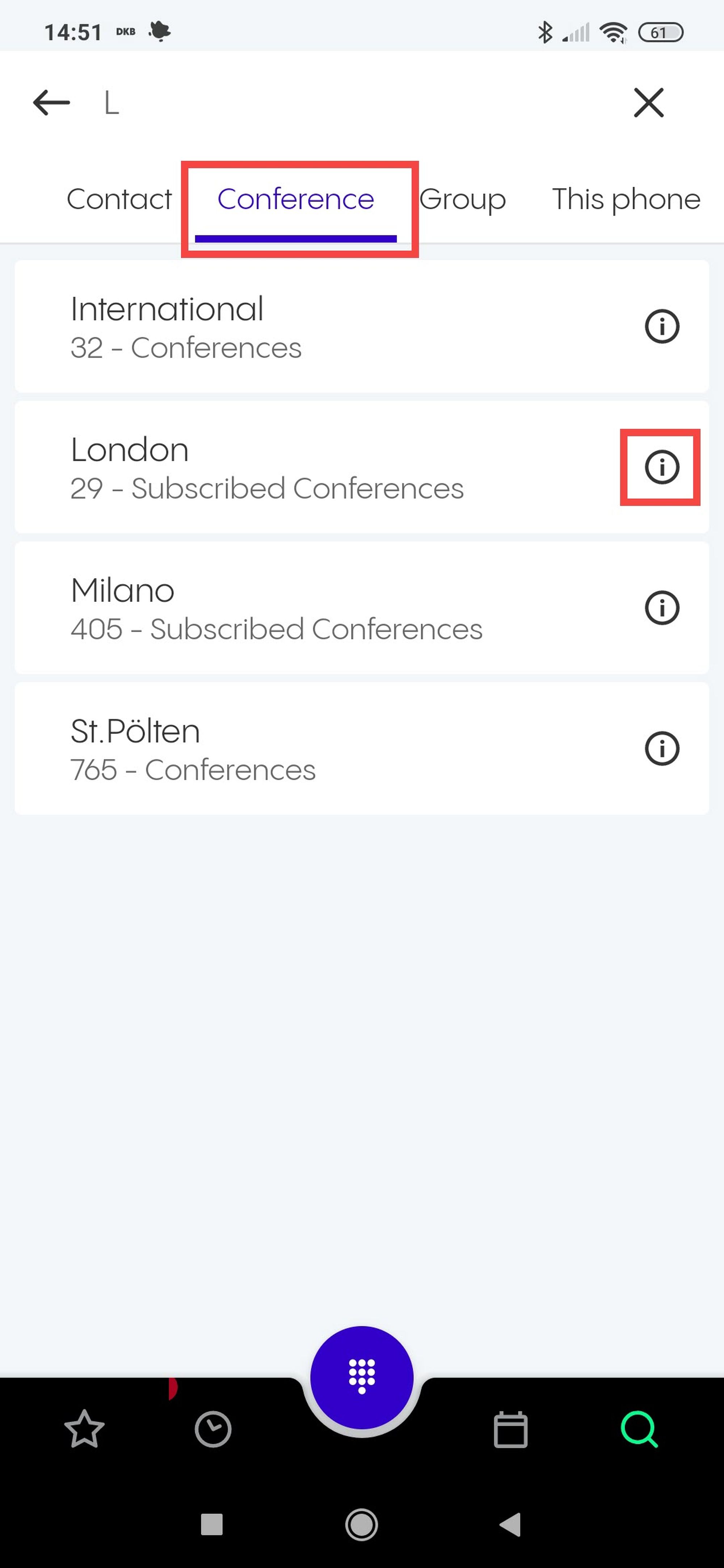
Searching for conferences
All conferences displayed in the Conference tab are subscribed conferences or conferences**.**
Tap on the info icon of a subscribed conference to see detailed information of this conference including the PIN required to join the conference.
To join a conference:
Tap a conference.
⇒ You will see the Start voice call option.
Start a call to join the conference.
⇒ You will be asked for a PIN.
See 2.2 Conferences on how to subscribe to a conference.