3. Internet
Using the tool "Internet" contacts of online directories are available to the client.
- Double-click on the client symbol  in the menu bar to access the administration surface.
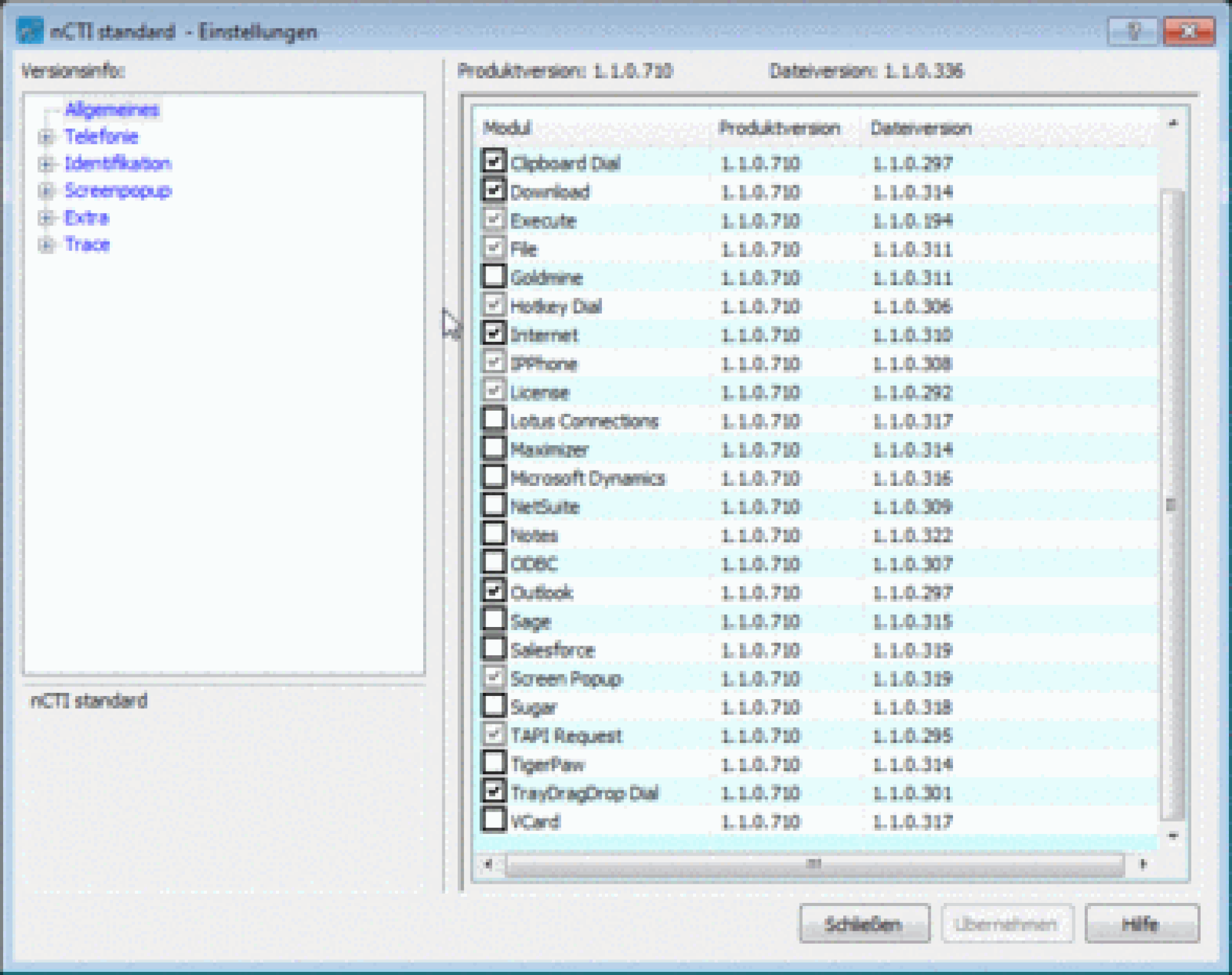
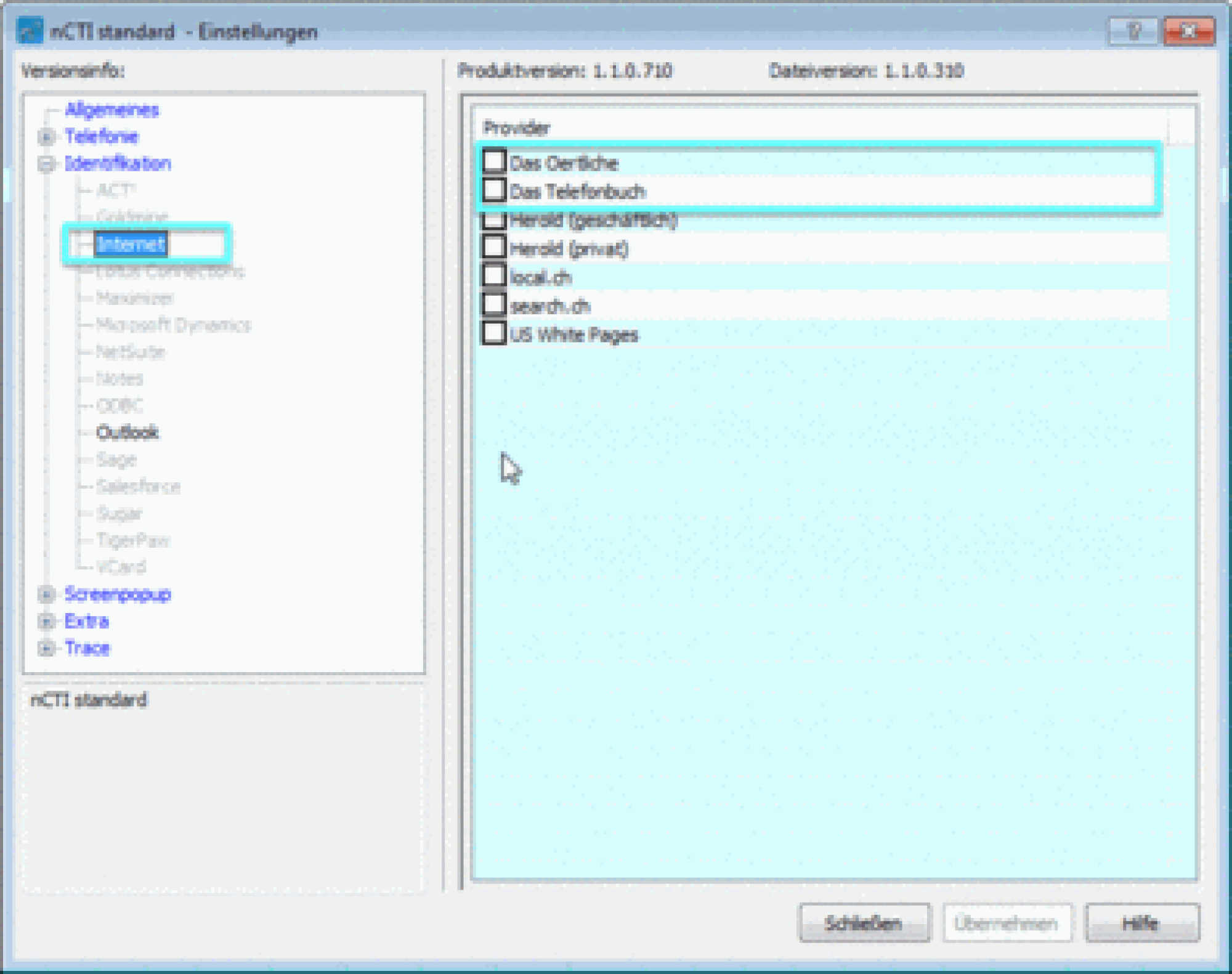
- Click on Identification. Choose Internet. You can now check online directories available.
⇒ All contact details available in this directory will be displayed at incoming calls.
Note
The client will synchronize with Outlook as soon as it is restarted