2. Installation
2.1. Overview
Before you begin using your new Gigaset DECT system, we would like to provide you with a brief overview of the steps required for installation.
Add the DECT base station (N510 IP PRO) and DECT handsets (R650H, S650H, SL750H) to the administration portal. You can add up to 6 handsets.
Add an extension for the DECT handset on the administration portal and assign the respective handset (R650H, S650H, SL750H) zuweisen.
Register the handsets on the base station.
You can find a detailed description of the individual steps in the administration portal manual.
2.2. Registering mobile handsets to the DECT base
You need to register the handset on the base station. You can do this via the handset menu.
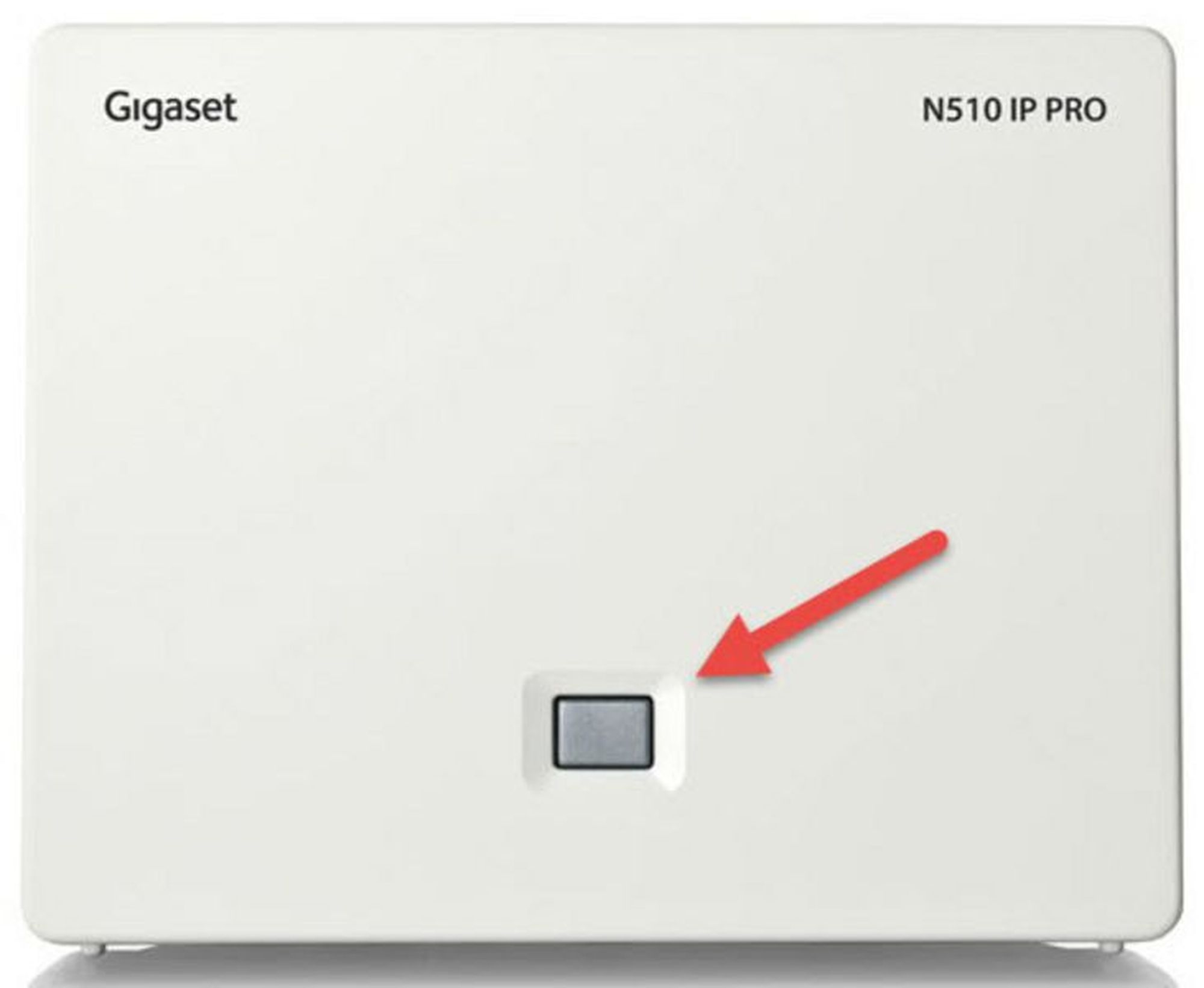
Press the key on the front side of the DECT base station for ca. 5 seconds.
Press the Register key on the handset. The handset now scans for the DECT base.
As the final step, please enter the required access code 0000.
Your DECT handset is now registered to the base station.