2. Advanced telephone functions
2.1. Overview
The various telephone system functions (e.g. queue, timing, groups, etc.) can be configured via the administration portal. For detailed configuration information, please refer to the administration portal manual.
Basic settings for the snom telephone can also be configured using the menu key  .
.
After pressing the key, you can choose from the following functions.
Call Settings
Call waiting indication: define whether this function should be activated.
(optional, depending on settings on the administration portal) Timeout: set the ringing time.
(optional, depending on settings on the administration portal) Intercom: the intercom function enables speaking directly to a linked extension through the system, without dial tone and ring tone.
Caller ID block: set your entire number to be shown to the party being called, the switchboard number to be displayed or all caller ID information to be blocked.
Call forwarding: activate the function Call forwarding
Parallel call: configure another telephone or your mobile phone to ring in addition to your telephone when a call comes in. You can then answer the call with one of the two telephones.
Call forwarding: profiles
Here you can select your preconfigured call forwarding profiles.
For details, please refer to the Ncontrol manual.
You can edit the default profile directly via your device.
For details, please click here.
Telephone settings
Automatic redialling
Suggests number (if necessary, remove function)
Ring tone
Define as primary device
Logoff
Queues
Queues can be enabled or disabled; for set-up see administration portal manual)
2.2. Function keys & codes
The administration portal allows you to program function keys. For more detailed information, please refer to the administration portal manual.You can access the snom 870 function keys (virtual keys) by pressing the  button on the home screen.
A green key indicates an incoming call. Tap on the green key, to pick up the call. Now, you have picked up the call.
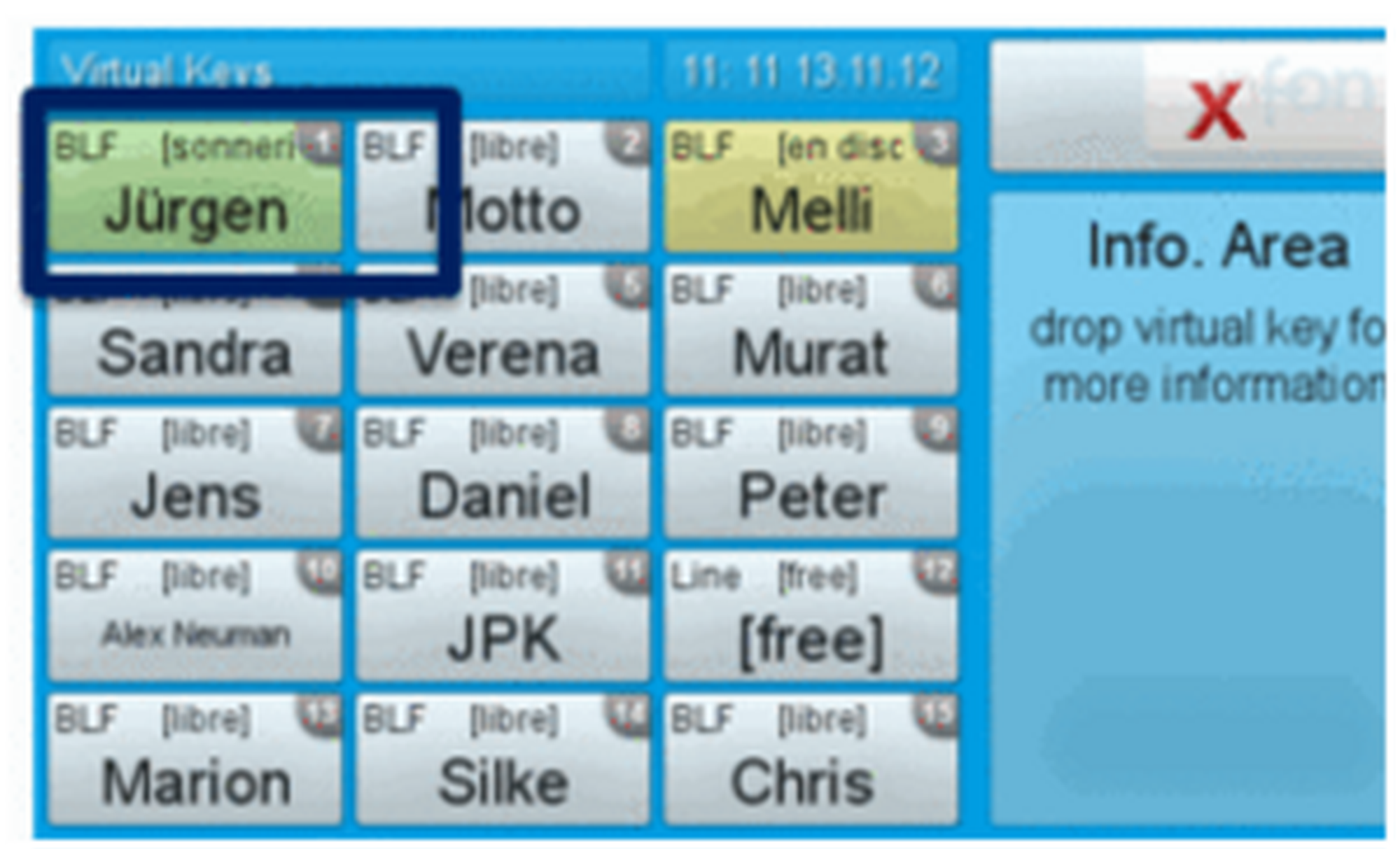
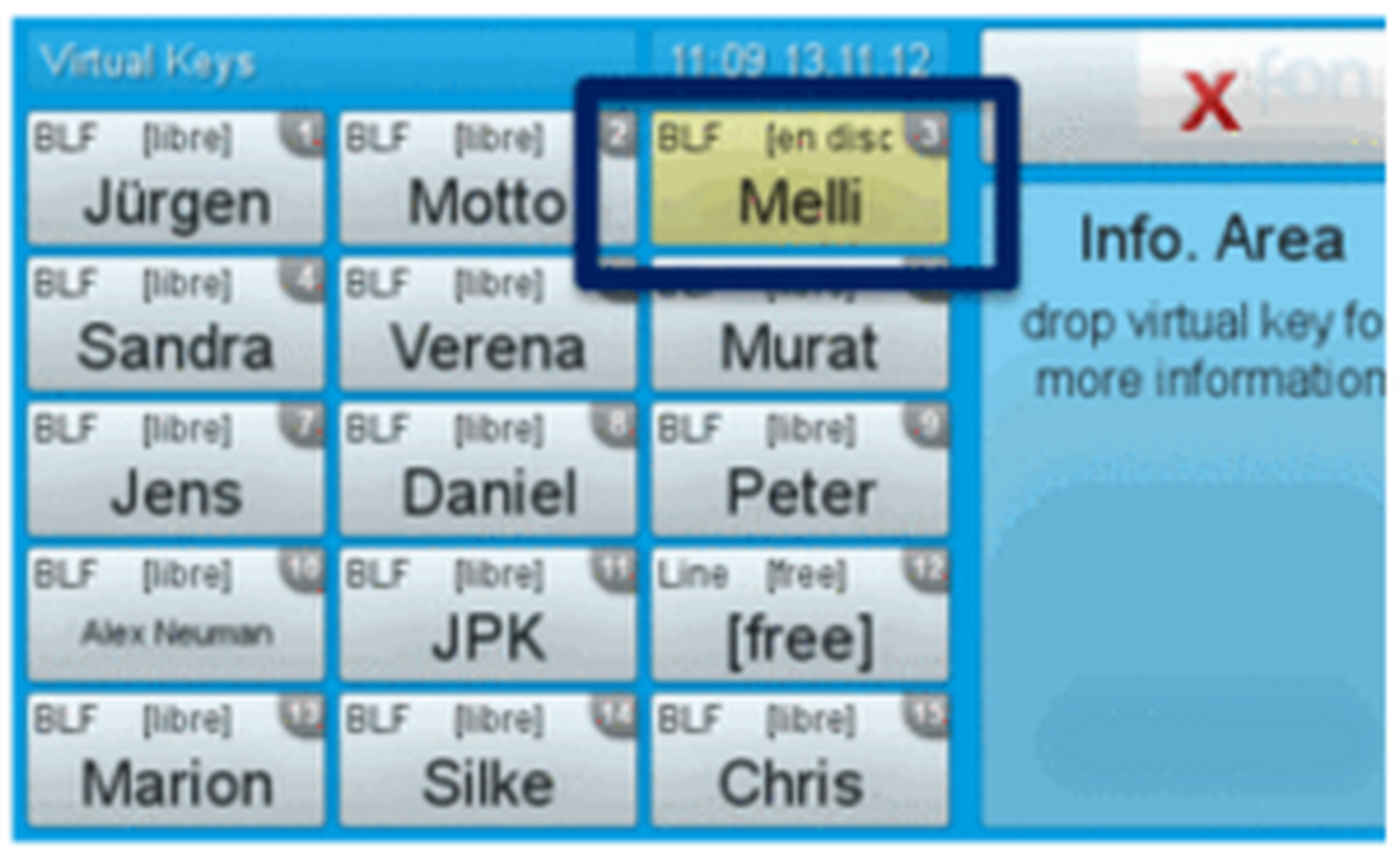
If the monitored extension is busy, the virtual function key lights up yellow.
Control codes allow direct access to the telephone system’s functions. The following codes apply:
Code | Description |
**## | Restart devices, only for snom devices! |
#+n | Use outside line "n" to call the telephone number ("n" replaces the “0” otherwise required to access an outside line) |
*1 | Start and end voice recording (if this function is enabled for the extension) |
*10+profile number | Activation of the call forwarding profile |
*11+TN | Permanent call forwarding to telephone number (TN) |
**11 | Cancel permanent call forwarding |
*12+TN | If not available, forward to telephone number (TN) |
**12 | Cancel call forwarding if no answer |
*13+TN | If busy, forward call to telephone number (TN) |
**13 | Cancel call forwarding if busy |
*14+TN | If not registered, forward to telephone number (TN) |
**14 | Cancel forward if unregistered |
*2+Speed dial | Directly dial the extension/telephone number via speed dial |
*3 | Pick up the last call ringing in the pick-up groupe |
*3+EXT | Pick up call coming in to the extension (EXT) |
*490 | Activate call waiting |
**490 | Deactivate call waiting |
*5 | If busy, automatic callback activated |
**5 | If busy, automatic callback deactivated |
*55 | Specify primary device within a premium extension (Premium Package) |
*72+nnnn1 | Call skill service nnnn |
*73+nnnn1 | Call eFax additional costs will occur |
*74+nnnn1 | Call time control nnnn |
*75+nnnn1 | Call group nnnn |
*76+nnnn1 | Call announcement nnnn |
*77+nnnn1 | Call queue nnnn |
*78+nnnn1 | Call conference service nnnn |
*791 | *791 Access voice mail for this extension with password *791158 Access voice mail for extension 158, with the password for 158! *11*791 Transfer your calls to your voice mail *11*791158 Transfer your calls to the voice mail of the extension 158 |
*792 | Access voice mail entering extension number, e.g. for remote enquiry |
*80 | Activate intercom |
**80 | Deactivate intercom |
*80+NST | Intercom to extension (EXT) |
*84+nnnn1 | Become member of the queue with service ID nnnn |
**84+nnnn1 | Leave queue with service ID nnnn |
*85 | Echo extension |
*86 | Block caller ID (CLIR) |
*860 | Show main number as telephone number |
**86 | Show telephone number incl.direct dial (CLIP) |
*87 | Subscribe to Skill-set |
**87 | Unsubscribe to Skill-set |
*9+Project Number | Define a project number for outbound calls. (Note: The project number is only valid for the very next outbound call) |
Fun ction codes for conference rooms during an active conference. | |
** | Help |
*2 | Activate or deactivate mute. |
*3 | Express your needs. |
*5 | Activate or deactivate mute of all participant. |
*6 | Lock the conference. |
1) nnnn is the four digit Service ID with leading zeros (0). For example, in a callgroup, IVR, eFax, etc. This means: is the Service ID "1", "0001" must be entered when entering the function code. |
2.3. Telephone lock
To set a PIN for unlocking, please go to the web interface for your end device and enter your personal PIN under:
Settings  Preferences Keypad Lock
There, you can also change or deactivate your PIN.
You have the option to protect your telephone from improper use by locking its keypad. I.e. with the keypad locked, no outgoing calls can be dialed. However, the keypad lock can be deactivated at any time.
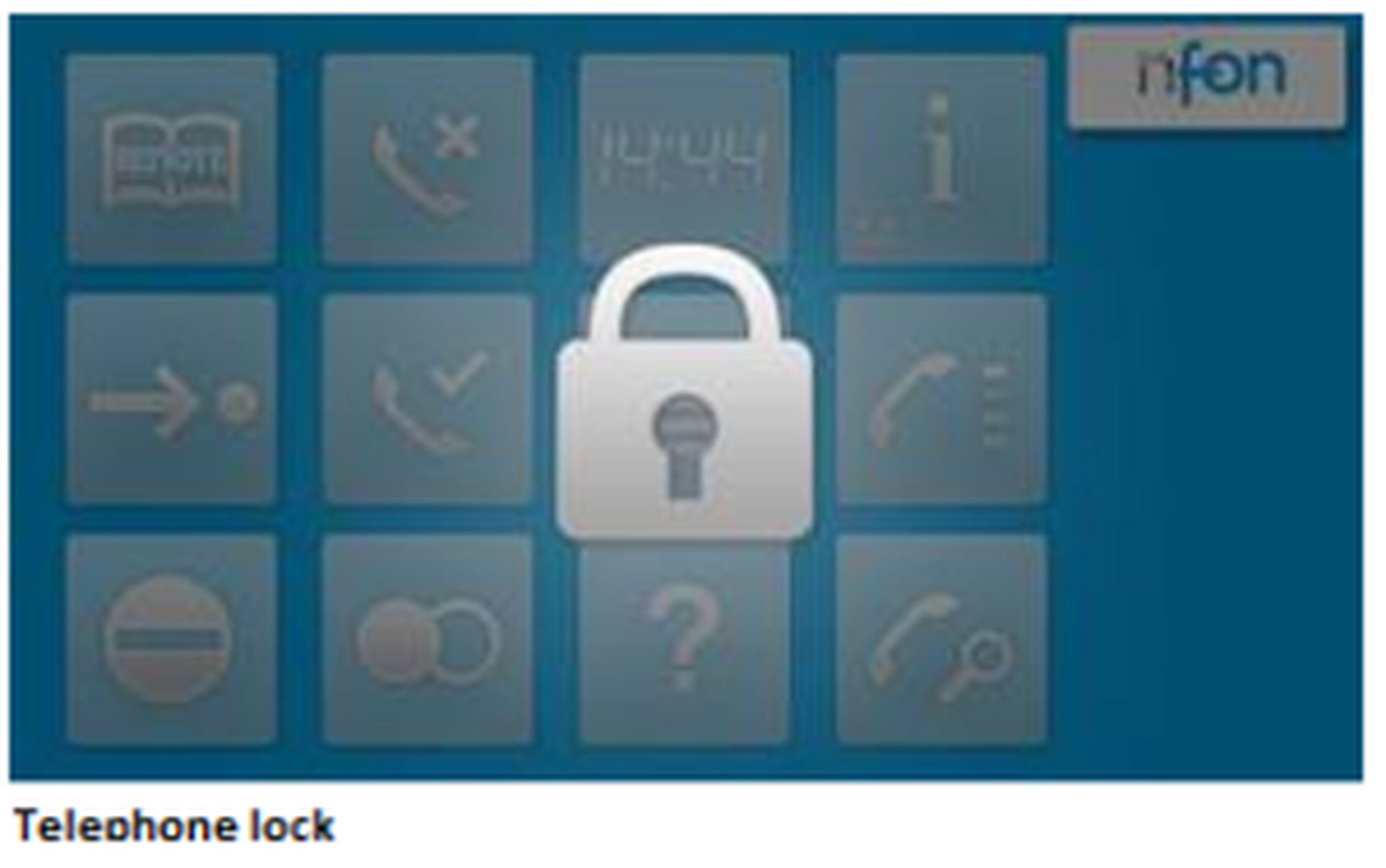
To lock your snom telephone, press and hold the
 key for several seconds. A “lock icon” in the display of your snom telephone indicates the telephone is locked.
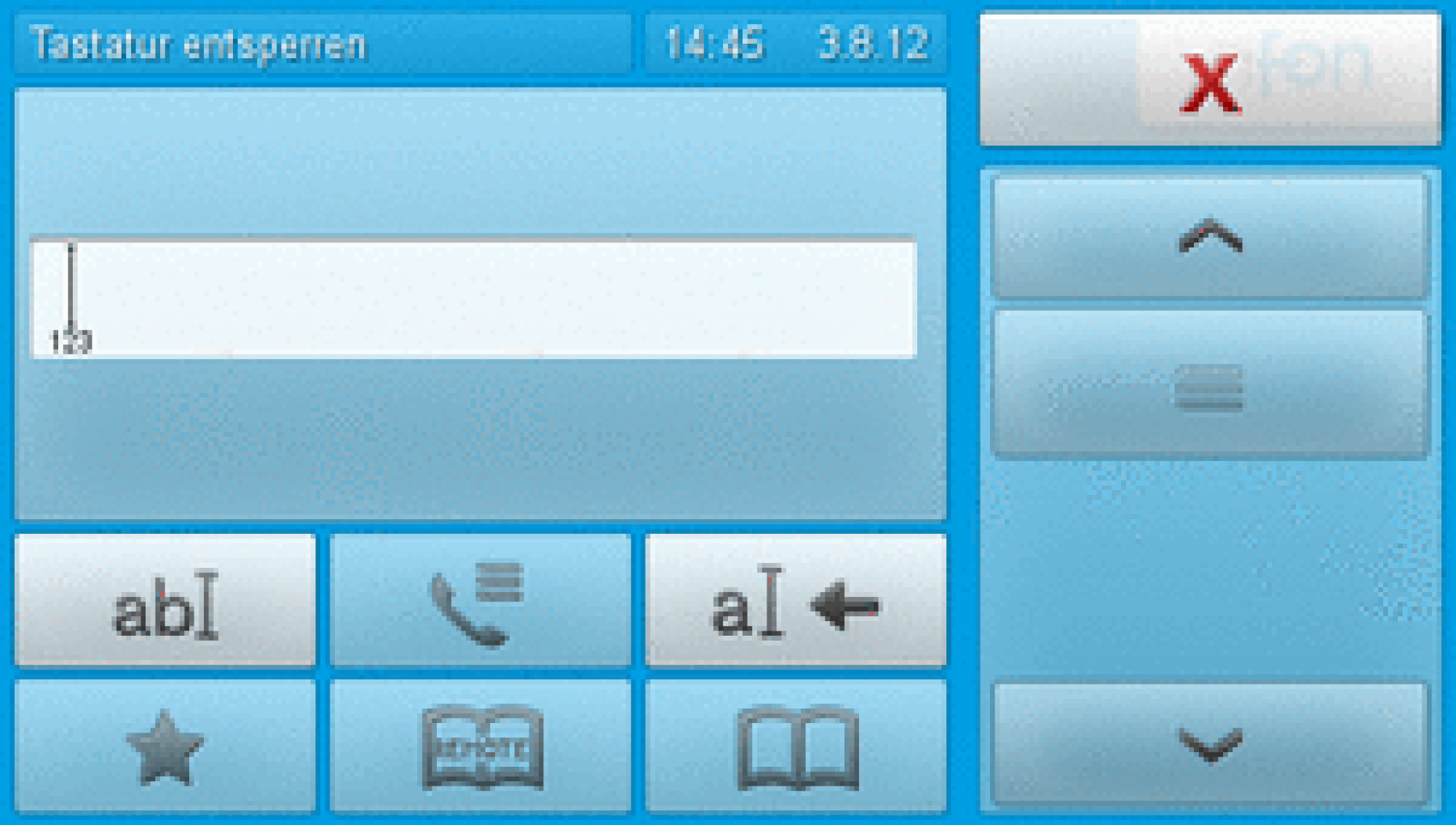
To deactivate the keypad lock, press and hold the
key again for several seconds. By default the keypad lock does require the VoiceMail-PIN.